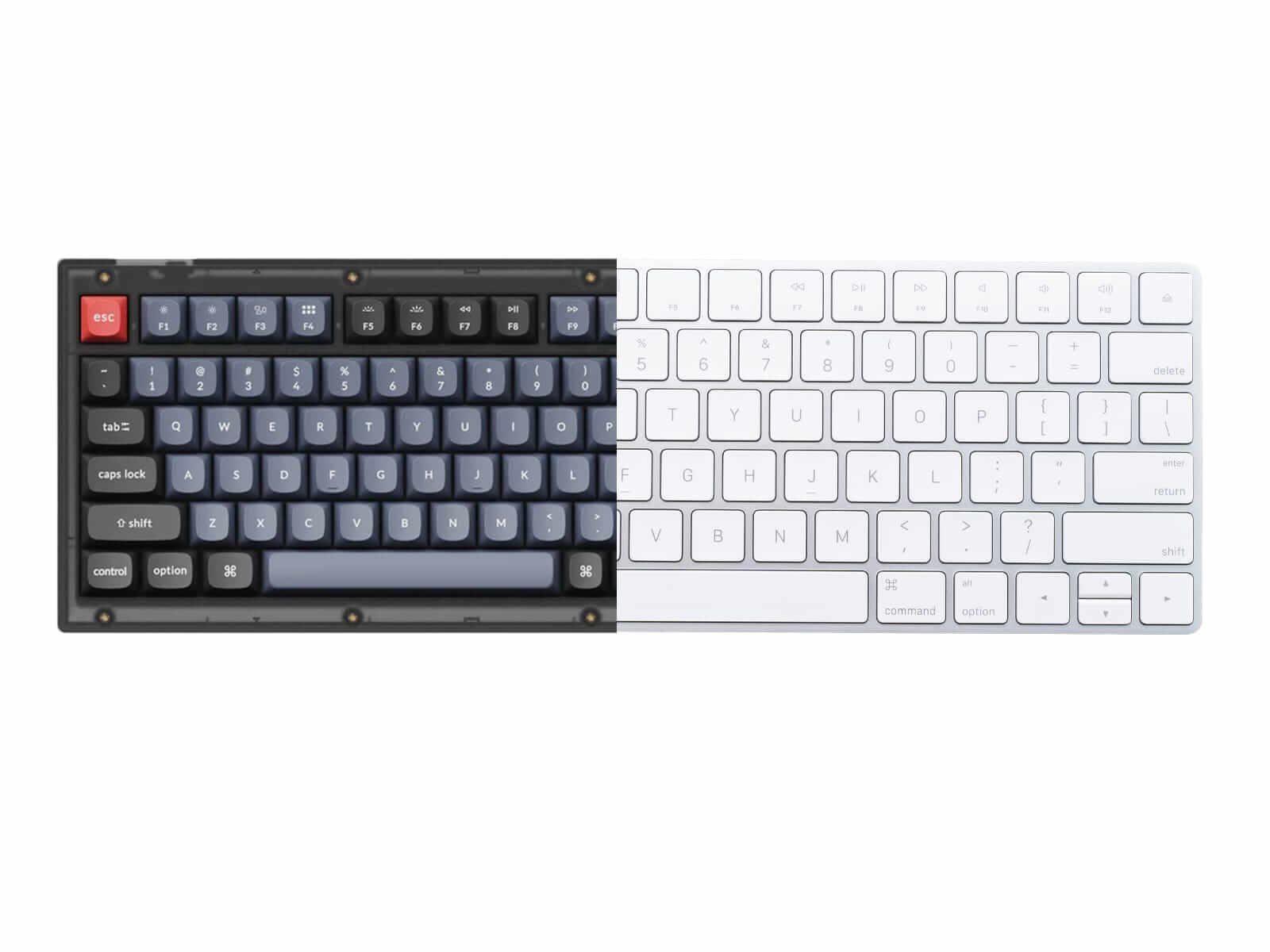
Mechanical vs Membrane Keyboards: What’s the Difference?
Mechanical Keyboard Versus Membrane Keyboard
Mechanical Keyboard Versus Membrane Keyboard
When shopping for a new keyboard, you’ll likely come across two main types: mechanical and membrane keyboards. Each has its own set of characteristics that appeal to different users. Understanding the core differences can help you make the right choice for your needs.
Below, we break down the major distinctions between mechanical and membrane keyboards.
1. Switch Mechanism
A keyboard's switch mechanism is the component under your keys that registers your press and passes the signal to the keyboard's electrical circuit.
Mechanical Keyboards:
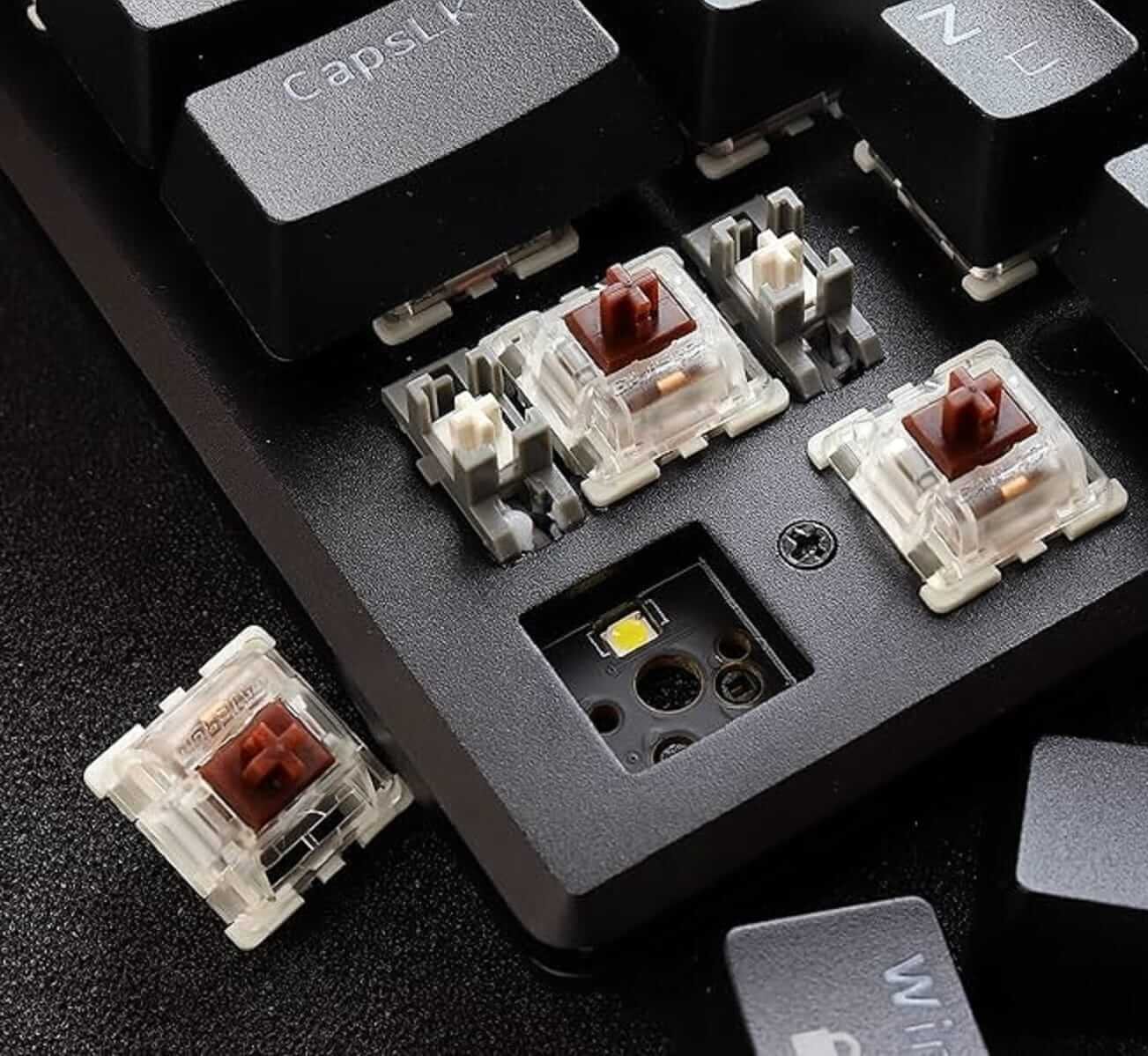
Mechanical keyboards use individual mechanical switches under each keycap. These switches consist of a base, a spring, and a stem. The design allows for precise actuation and consistent tactile feedback. This basically means that you can feel the sound of the press with 'Tik-Tik'.
Popular switch types include:
Linear – Smooth with no tactile bump.
Tactile – Noticeable bump at the actuation point.
Clicky – Audible click with a tactile bump.
Membrane Keyboards:
Membrane keyboards use a three-layer membrane system. When a key is pressed, it pushes down on a rubber dome that connects two conductive layers, registering the key press.
This results in a softer, quieter, and less tactile typing experience.
A tacile keyboard has a bump within the center (actuation point)
A tacile keyboard has a bump within the center (actuation point)
2. Typing Feel , Feedback and Noise
Mechanical Keyboards:
Mechanical switches offer tactile feedback and auditory response, particularly with clicky switch types. Each keypress feels deliberate and responsive, which many typists and gamers find satisfying and precise.
However, this comes with a downside: mechanical keyboards tend to be noisier than their membrane counterparts, which may be disruptive in quiet environments.
Membrane Keyboards:
Membrane keyboards provide a softer, cushioned typing experience due to the rubber dome mechanism. There is generally less tactile feedback, which can feel less satisfying or accurate for fast typists or users accustomed to mechanical switches.
That said, their quiet operation can be an advantage—especially if you're easily distracted by noise or often work while listening to music or in shared spaces where silence is valued.
3. Durability and Lifespan
Mechanical Keyboards:
Mechanical switches are built to last. Most switches are rated for 50 to 100 million keystrokes, depending on the manufacturer. This durability makes mechanical keyboards a long-term investment.
Membrane Keyboards:
Membrane keyboards typically last for about 5 to 10 million keystrokes. Over time, the rubber domes can wear out, leading to decreased sensitivity and uneven key response.
It is important to keep this in mind and ensure that the keys are of high quality. High quality membrane keyboards usually do not wear and tear easily.
4. Customization
Mechanical Keyboards:
Mechanical keyboards offer extensive aesthetic variety and are a favorite among users who value both form and function. They come in multiple layout sizes—such as full-size, ten keyless (TKL), 75%, 65%, and 60%—allowing users to choose based on space, portability, or minimalism.
One of the standout features is keycap customization. Mechanical boards use standard keycap sizes and mounts, so users can easily swap keycaps made of ABS, PBT, or artisan materials. There are thousands of options in terms of color, texture, font, and theme.
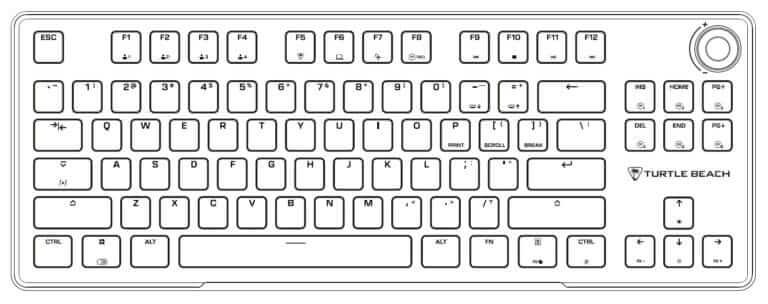
A TKL layout (above) omits the numeric keypad found on the right in most full size keyboards. Users can customize the keys they can want based on their own needs for mechanical keyboards. Photo Credit: Turtle Beach
Mechanical keyboards like ErgoKey Lab's mechanical keyboard offer customized backlighting.
RGB lighting is another major draw. Many mechanical keyboards support customizable backlighting, ranging from simple effects to complex per-key lighting, all programmable via software or firmware.
Beyond the keys, users can also modify or choose cases and frames in different materials such as plastic, aluminum, acrylic, or wood with each affecting both the look and sound profile of the board. Many mechanical keyboards also support hot-swappable switches, letting users change the feel and sound of each key.
For enthusiasts, the ability to build a keyboard from scratch or modify components (like stabilizers, switches, or foam dampening) makes mechanical keyboards a creative hobby as well as a practical tool.
Membrane Keyboards:
Membrane keyboards, while more limited in customization, still offer practical and modern design features. They generally come in standard full-size layouts, focusing on simplicity and usability.
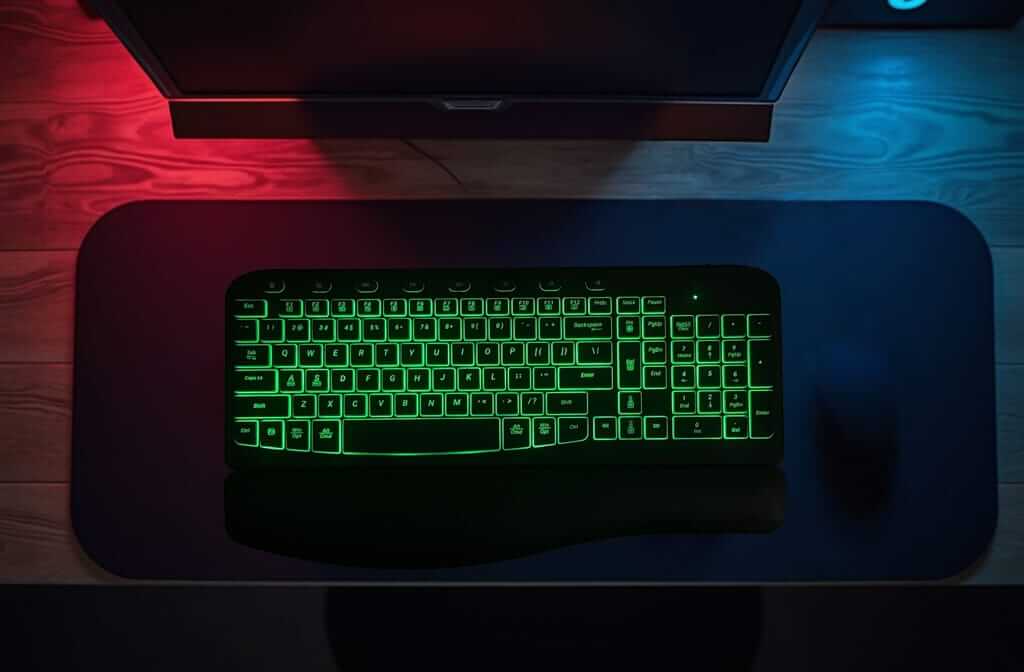
Customization is minimal, as most membrane keycaps are non-removable or follow non-standard designs, making replacements or upgrades difficult. However, some newer models include RGB or LED backlighting, though usually limited to preset zones or colors rather than full-key customization.
Membrane keyboards tend to emphasize slim, lightweight, and minimalist profiles, often making them suitable for office, school, or travel use. Their design often prioritizes low cost and portability over personalization.
In essence, membrane keyboards offer a streamlined, ready-to-use aesthetic with fewer options for modification. They suit users who prefer a simple, clean look without the need for custom features.
5. Portability and Weight
Mechanical Keyboards:
Due to the switch mechanism and robust build, mechanical keyboards are often heavier and bulkier. They are more suited for stationary setups than frequent travel. Hence, they are preferred by gamers or professionals with more deliberate workstation setups.
Many models feature metal backplates or thick cases for durability, which adds to the weight. Even compact mechanical keyboards can be less travel-friendly due to their height and bulk.
Membrane Keyboards:
Membrane keyboards are usually lighter and slimmer, making them easier to carry and better suited for portable or compact workstations. They are the preferred choice for keyboard users who prefer portability and comfort.
Their low-profile design fits well in laptop bags and tight desk spaces.This makes them ideal for users who work on the go or frequently switch between locations.
6. Price
Mechanical Keyboards:
Mechanical keyboards are generally more expensive, with prices ranging from $90 to over $200, depending on the build quality, switch type, features, and brand. High-end models with custom switches, hot-swappable PCBs, premium materials, or enthusiast-grade components can even exceed $300.
However, budget-friendly mechanical options have become more common, offering a solid experience for around $30 to $60, though they may lack advanced features like RGB or programmable keys.
Investing in a mechanical keyboard is often seen as paying for longevity, customization, and superior typing feel.
Membrane Keyboards:
Membrane keyboards are typically more affordable, with prices ranging from $10 to $50. They’re widely used in offices, schools, and homes due to their cost-effectiveness and accessibility.
Even gaming-branded membrane keyboards with lighting and extra features often stay below $60, making them appealing for users on a tight budget.
For basic typing and general use, membrane keyboards deliver great value at a lower upfront cost.
Final Thoughts: What is right for me?
The choice between a mechanical and membrane keyboard ultimately depends on your preferences, budget, and use case. If you prioritize typing feel, performance, and durability, a mechanical keyboard is worth the investment. On the other hand, if you need something affordable, quiet, and lightweight, a membrane keyboard may be the better fit.
Mechanical keyboards are especially well-suited for enthusiasts, gamers, and professionals who type heavily and value long-term performance and customization. Membrane keyboards, by contrast, are ideal for general office tasks, students, or casual users looking for a no-fuss solution.
It’s also worth considering your environment. Shared spaces may benefit from quieter options, while solo workstations can accommodate more tactile or audible preferences.
Regardless of your choice, understanding the key differences helps ensure that your keyboard enhances rather than hinders your work or play. It makes typing not just more efficient, but more enjoyable.
Check out ErgoKey Lab's affordable and comfortable ergonomic mechanical and membrane keyboards if you are starting out!
Also available on:
Your trusted partner for ergonomic computer apparels.
Payment methods are secured with SSL encryption by Stripe: